Note: Learning Hub and Dashboard are two different things. Your Learning Hub is the student/customer-facing site: your public Home Page, your course Sales Pages, and the gated student view. Your Dashboard is your creator back office, where you build and manage everything that appears on your Learning Hub. This article covers the Learning Hub. See Understand the Learmo Creator Journey and How Learmo Works for how the Dashboard fits in.
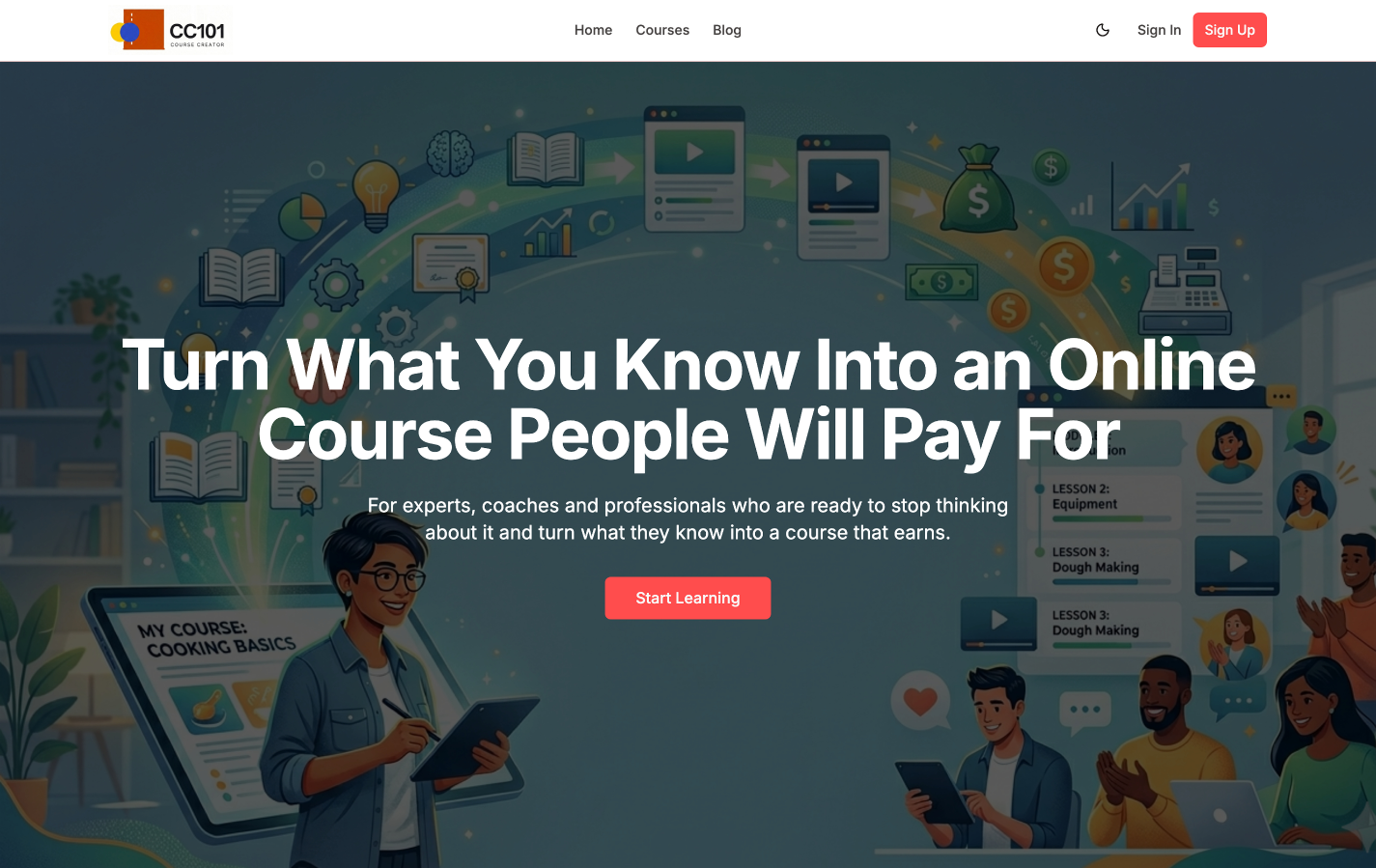
Your Learning Hub is your branded, student-facing presence on Learmo, the site students actually see and use. Everything you build in your Dashboard, courses, pricing, branding, blog posts, is what populates your Learning Hub. It is the foundation of your Learmo presence: without it, students have nowhere to discover your courses, enroll, or access what they've purchased.
Your Learning Hub has five parts.
Your Home Page is the general landing page for your whole Learning Hub, the first thing a visitor sees. It introduces you and your courses, and points visitors toward what to do next: browse your Featured Courses, learn more about you, or read testimonials.
You have one Home Page. It's covered in depth in Understand Your Home Page and Access and Navigate the Page Builder.
A catalog page listing every course you've published, so visitors can browse everything you offer in one place instead of only seeing the Featured Courses on your Home Page.
Every course you publish gets its own Sales Page, a page dedicated to that one course, where a potential student reviews the details and decides whether to enroll. Unlike the Home Page, you have one Sales Page per course.
Covered in depth in Understand the Course Sales Page.
Blog posts you publish from your Dashboard show up here, on your Learning Hub, for visitors to read. Covered in depth in Create a Blog Post with the AI Blog Wizard.
Once a student enrolls, they get access to a gated part of your Learning Hub: their own My Dashboard, where they log in, track their progress, and access their enrolled courses through a My Courses library. My Dashboard is a student-side page, not to be confused with your own Dashboard as a creator.
Covered in depth in Understand the Student Experience.
Your Learning Hub also includes a few supporting pages visitors and students may reach along the way: Sign In, Sign Up, and your Terms of Use, Privacy Policy, and Refund Policy.
Everything on your Learning Hub, your Home Page, your Sales Pages, your branding, is built and edited from your Dashboard. Your Learning Hub is what gets published; your Dashboard is where you do the publishing.
Understand Your Home Page
Understand the Course Sales Page
Access and Navigate the Page Builder
Manage Your Learning Hub Identity and Branding
Understand the Student Experience