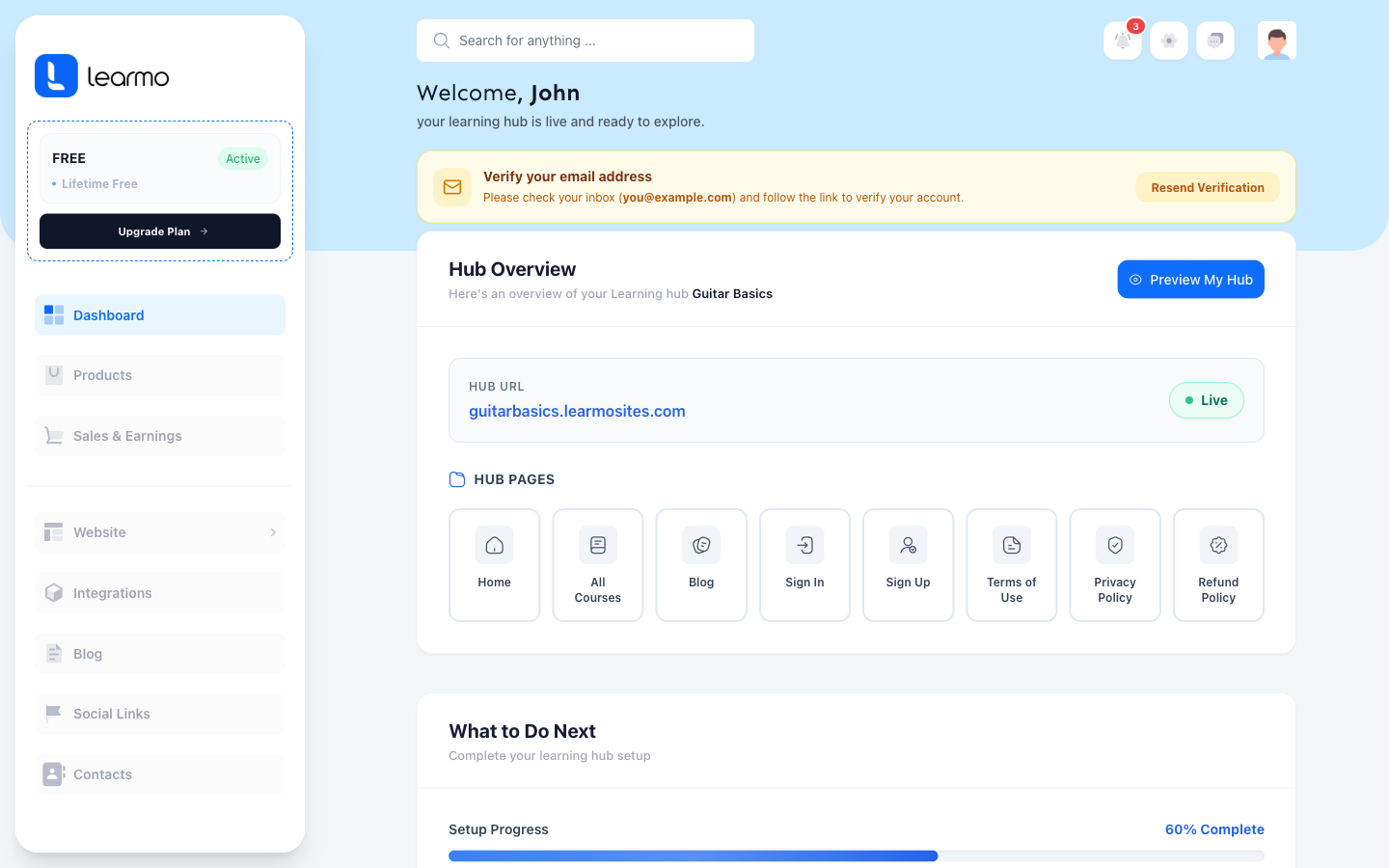
Learn how and when Learmo verifies your account. Learmo sends a verification email as soon as you finish the AI Onboarding Wizard, and a matching banner stays in your Dashboard until you confirm it, whether you use the email link or the Resend option on the banner.
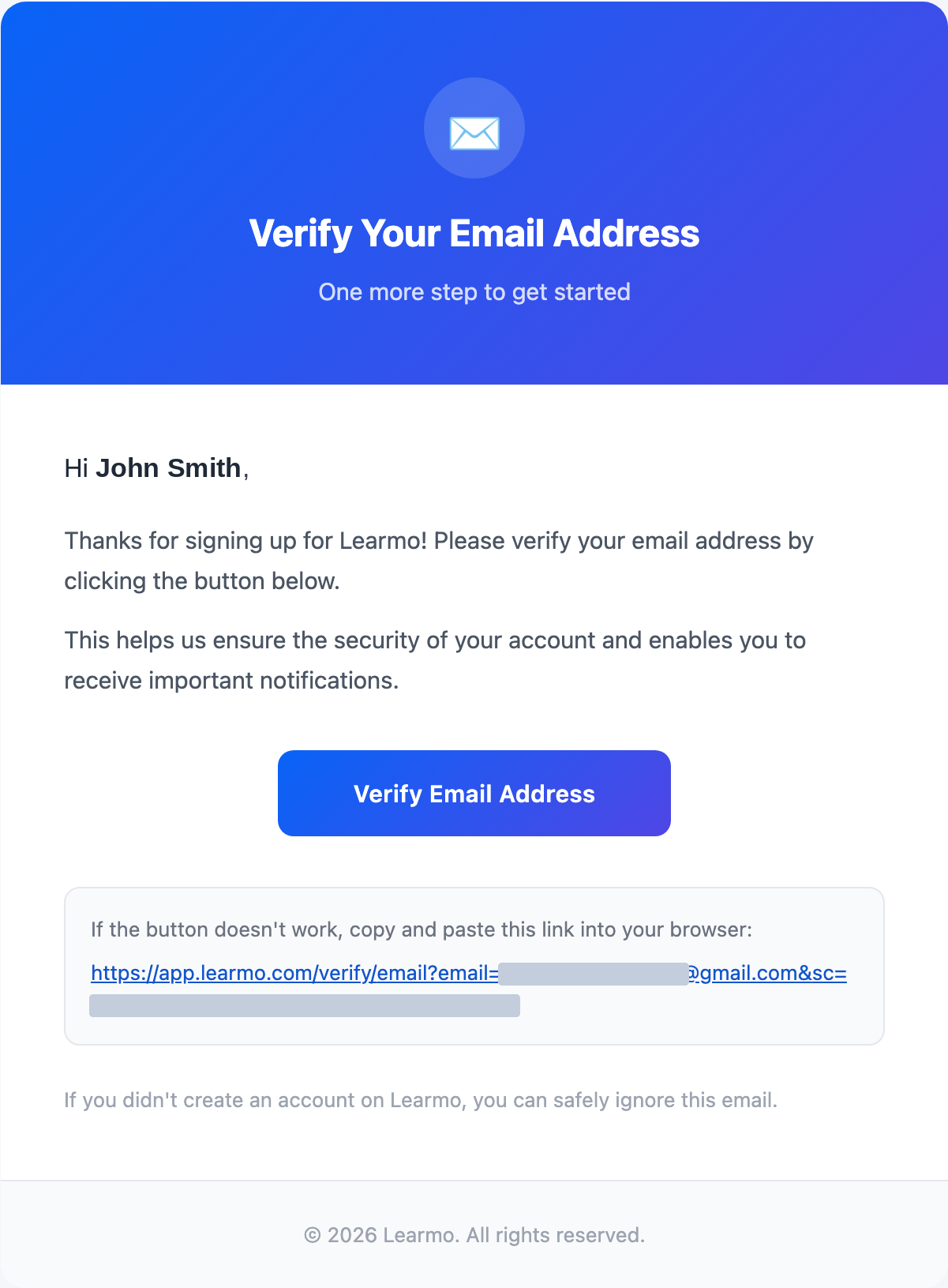
Verification email. Learmo sends you a verification email as soon as you finish the AI Onboarding Wizard, with the subject line "Verify Your Email - Learmo."
Dashboard banner. Once you finish the AI Onboarding Wizard and land on your Dashboard, a verification banner appears at the top, prompting you to confirm your account.
Open the email and select Verify Email Address. If the button doesn't work, copy the plain-text link included below it into your browser instead.
Can't find the email? Check your spam or junk folder, and search your inbox for "Learmo" or [email protected]. Also confirm you used the correct email address when creating your account.
If you didn't create a Learmo account, you can safely ignore the email.
If you skip the email or lose it, you don't need to start over.
The Dashboard banner shows the email address Learmo is waiting to verify.
Select Resend Verification to have Learmo send the verification email again.
The banner stays on your Dashboard until you confirm your email address, then it disappears.