This article covers three parts of the AI Onboarding Wizard: your Branding, your Instructor Profile, and your Home Page Banner.
Your Branding sets the look of your Learning Hub.
On the "Brand Your Hub" screen, select the Color Palette tab and choose from the named palette options shown. This is selected manually, not AI-generated. Your choice applies across your entire Learning Hub.
Select the Logo tab. Choose Auto Placeholder to use a generated placeholder logo, or Upload Custom Logo to add your own.
If you skip uploading a logo, the auto-generated placeholder is applied instead, so you're never blocked from continuing. You can upload your own logo later from your Dashboard.
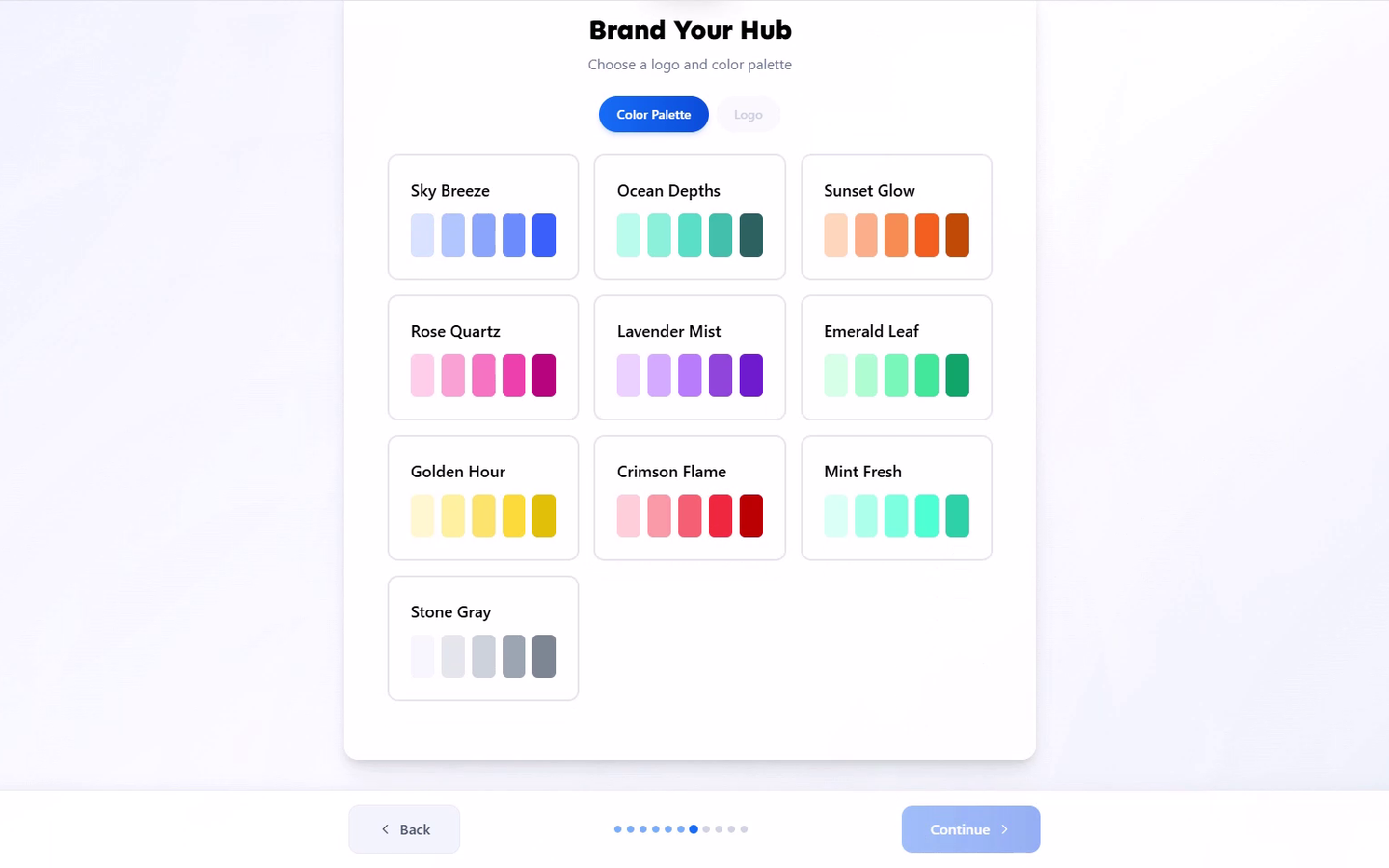
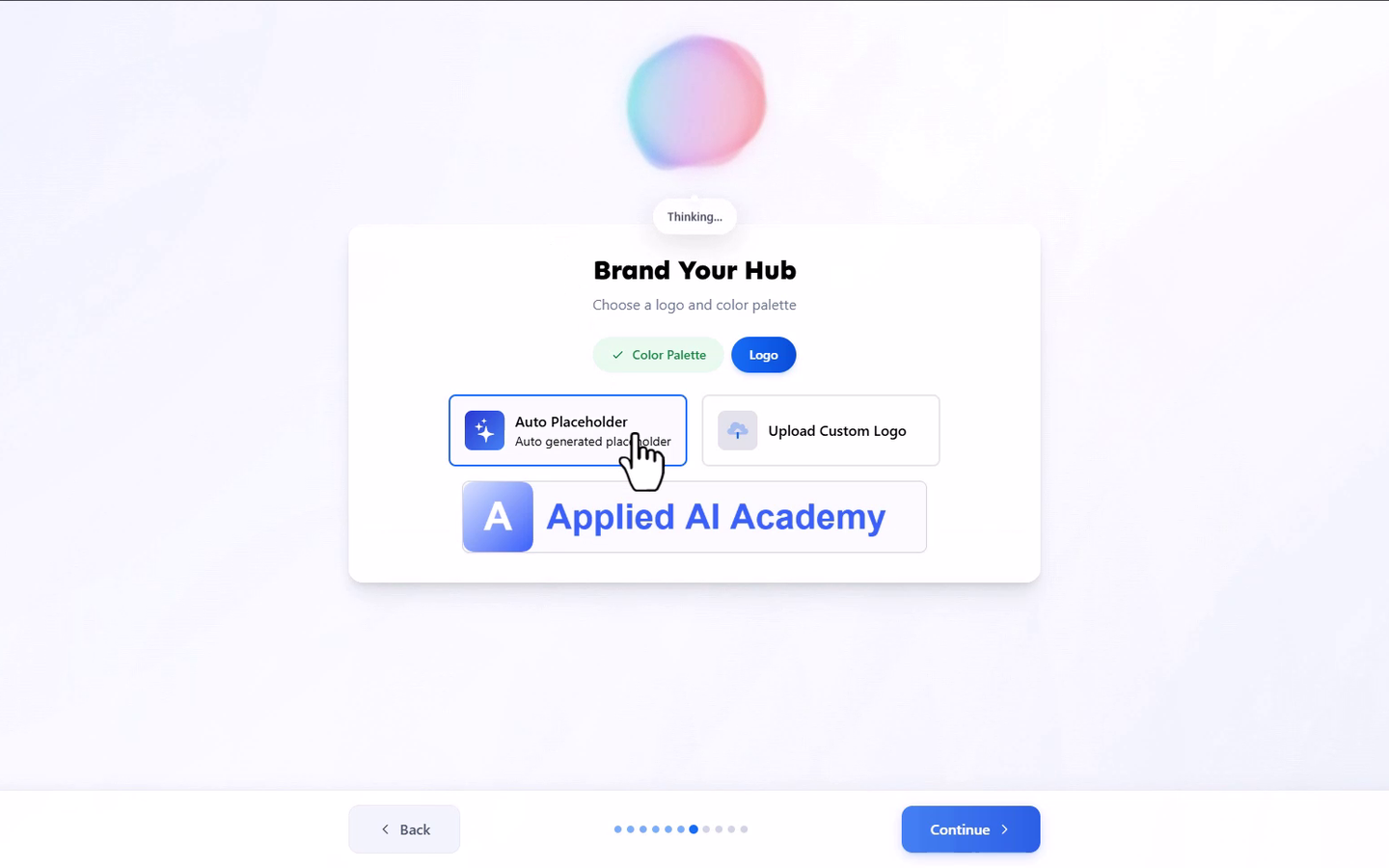
Both your palette and logo can be changed later from your Dashboard.
Your Instructor Profile is what students see when deciding whether to trust you as an instructor.
On the "Your Instructor Profile" screen, upload an Avatar. This is optional and entered manually.
Enter your Instructor Name, entered manually.
Enter your Role / Title, for example Lead Instructor or Coach. Entered manually.
Enter your Instructor Email, entered manually.
For your Instructor Bio, select Generate to have Learmo AI write a draft from your Hub Concept answers, or write it yourself. Review and edit the result either way.
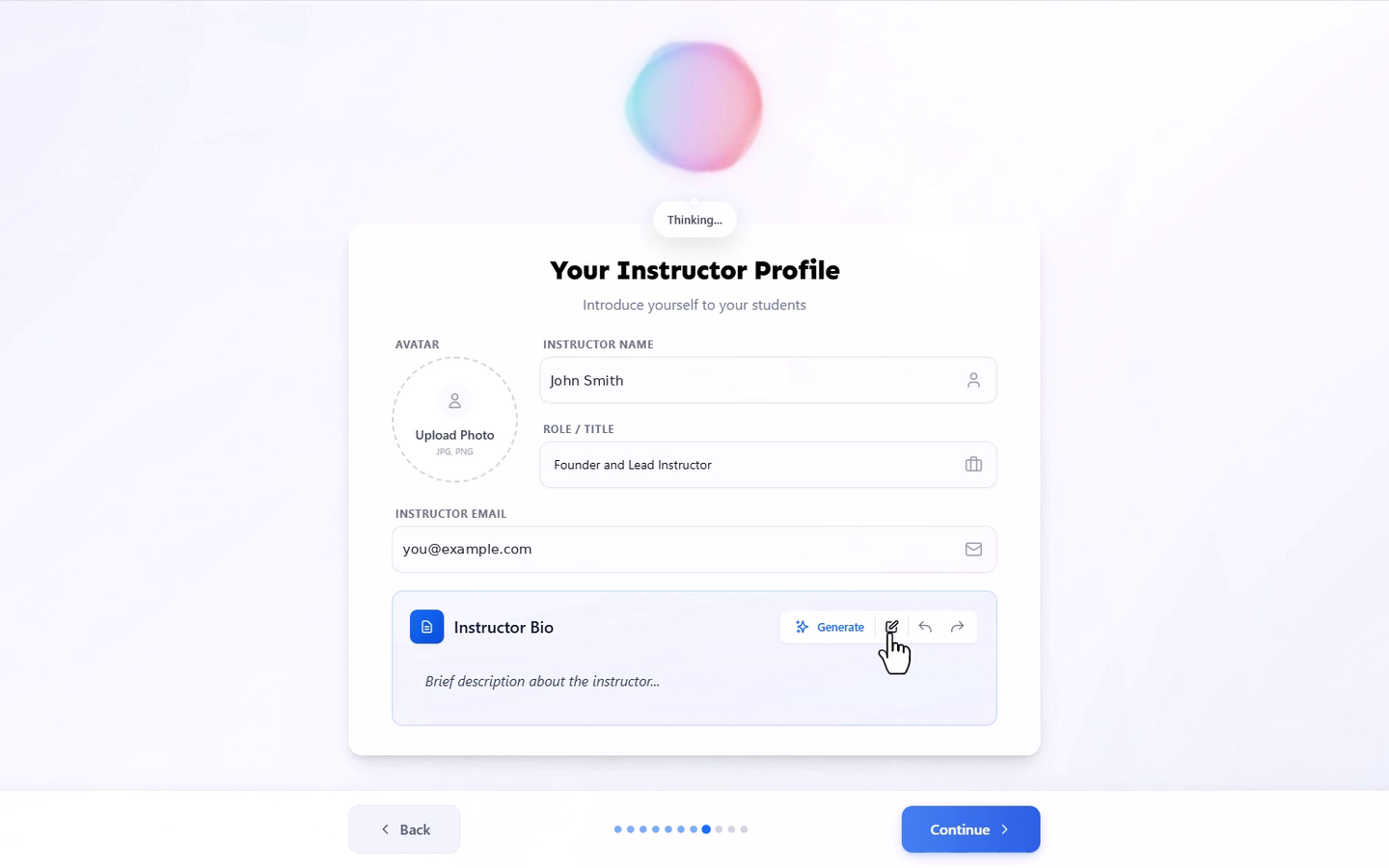
Your instructor profile is published as part of your Learning Hub as soon as you finish the wizard, and can be edited later from your Dashboard.
Your Home Page Banner is the hero image for your Home Page's Hero section, the large image visitors see at the very top of your Home Page before anything else.
On the "Create Your Home Page Banner" screen, choose AI Generate or Upload.
If generating with AI, choose a style from the dropdown (for example, Realistic, Illustration, 3D, Futuristic/Sci-Fi, or Creative/Magical), then review and customize the prompt describing your hero image. A live preview updates as you adjust the style and prompt.
If uploading instead, add your own hero image.
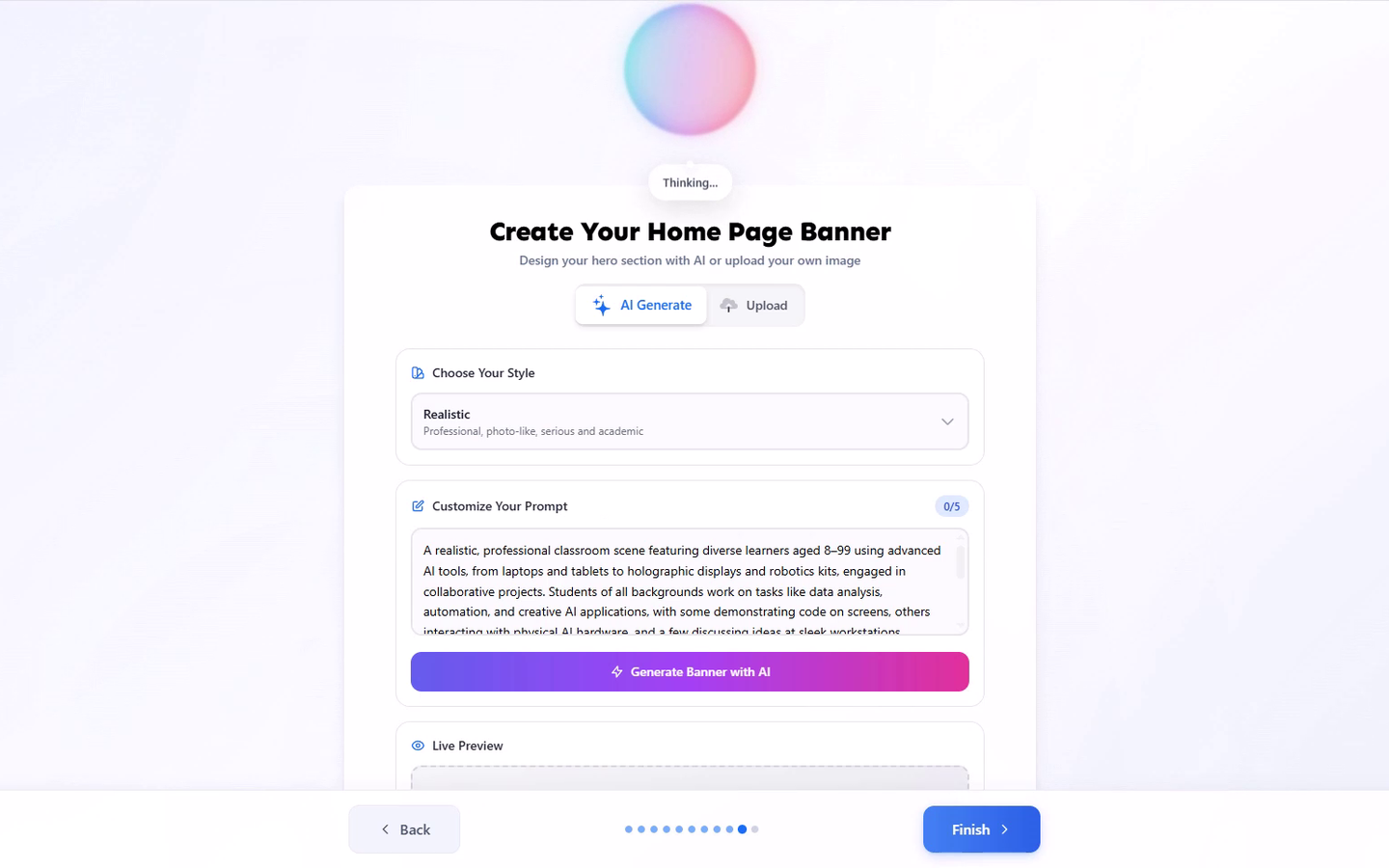
Once you finish this step, the result is set as the hero image at the top of your Home Page, and can be changed later from your Dashboard.